Accessibility and content | Published July 31, 2026
The Guest-Facing Screen Accessibility Walkthrough
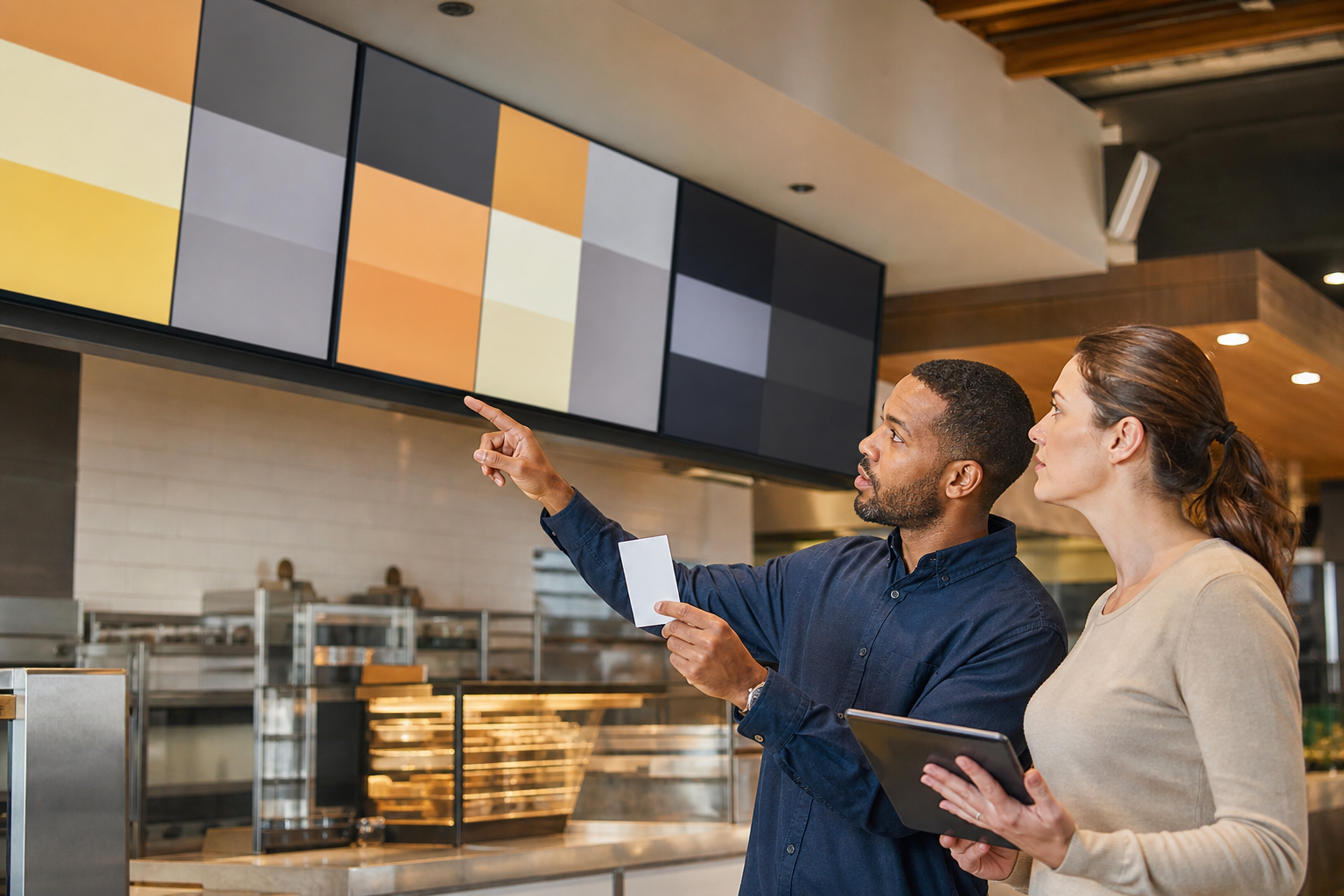
A menu can be accurate and still be difficult to use. Small type, low contrast, fast motion, glare, dense layouts, and screens mounted beyond a comfortable viewing angle can make a guest-facing display harder to understand under real ordering conditions.
Accessibility is receiving current public attention. The U.S. Access Board's July 14 webinar brought federal and state speakers together around digital-accessibility laws and practical resources. New Zealand's government also opened a July consultation on a Digital Accessibility Standard that explicitly includes hardware such as kiosks. The U.S. Department of Justice accessibility guidance remains a neutral foundation for understanding why equal access matters.
Keep display ownership connected to the wider operation through the ServingIntel Genesis platform.
Walk the actual guest path
Start at the entrance, queue, counter, pickup point, and accessible seating areas. Check the display at realistic distances and angles, both standing and seated. Note obstructions, glare, competing screens, and whether the guest has enough time to find categories, choices, prices, and availability.
Map physical endpoints and fallback options with ServingIntel hardware guidance.
Test content without relying on color alone
- Use readable type sizes and sufficient contrast.
- Keep category order predictable across screen changes.
- Use words, icons, or shape in addition to color for status.
- Pause or remove motion that competes with core menu information.
- Provide an accessible alternative when a screen cannot communicate the full choice.
Verify that pricing and item availability remain synchronized. The POS Menu Boards price-reset workflow helps assign content ownership, while the POS Websites accuracy gate supports consistent online menu language.
Review the fallback, not just the ideal state
Test offline screens, emergency messages, daypart transitions, sold-out states, and locally overridden content. A fallback should preserve essential information with the same care as the normal playlist. Keep escalation details available through ServingIntel support resources.
Record findings and retest
- Capture the screen, location, viewing position, and condition.
- Describe the barrier in plain language and name the content owner.
- Rank issues by guest impact and operational urgency.
- Retest from the same position after the change.
- Add the check to launches, seasonal updates, and hardware moves.
Continue the review with current operational context from ServingIntel News & Insights.
The bottom line: a guest-facing screen succeeds only when people can perceive, understand, and act on its essential information in the environment where ordering actually happens.
Back to POS Digital Display